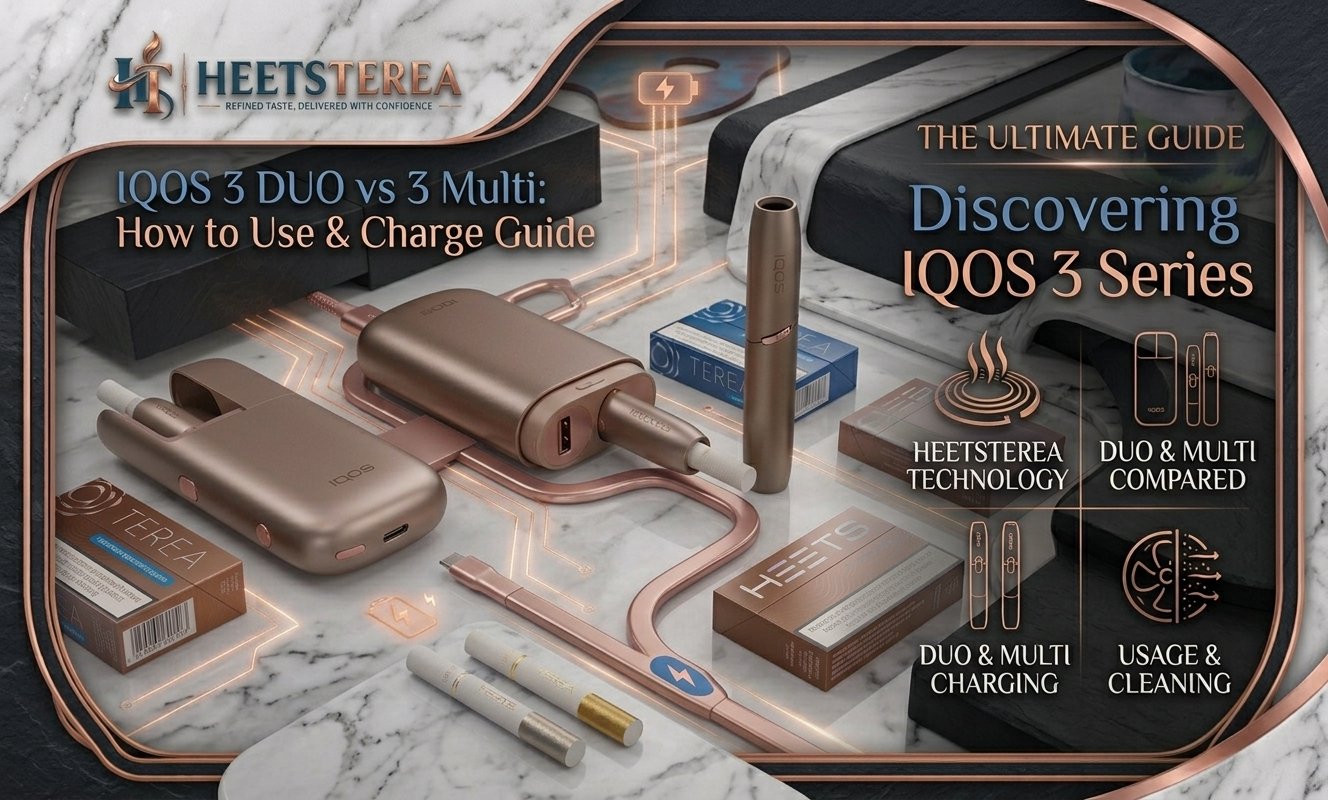
Many adult users in the UAE still prefer blade-based IQOS devices, and two names come up again and again: the IQOS 3 DUO and the IQOS 3 Multi. They look similar at first glance and both use HEETS sticks, but they are built differently and suit different habits.
This guide explains what is IQOS 3 DUO, what the 3 Multi is, how they differ, how to use each one, how to charge them and how to keep the heating blade clean. If you are still deciding between old and new generations, you can also read our guide on what is IQOS ILUMA.
Important: IQOS products contain nicotine, which is addictive. They are intended only for adult smokers or nicotine users aged 21+ in the UAE. If you do not currently use nicotine, do not start.
What Is IQOS 3 DUO?
The IQOS 3 DUO is a two-part heated tobacco system made of a holder and a pocket charger. You use the holder for each session, and the pocket charger recharges it and acts as a carrying case.
Its signature feature is the double-use function: the holder allows two consecutive uses without recharging. With older two-part models, you had to put the holder back into the charger after every single stick. With DUO, you can use one stick, then another straight away, and then recharge.
Other key points:
Holder and charger design: the holder slides out of the pocket charger, and the charger tops it up between sessions.
Heating blade: DUO heats the tobacco with a blade that goes into the HEETS stick.
HEETS only: it works with HEETS, not TEREA.
USB-C charging: the pocket charger charges through a USB-C port.
Pocket charger capacity: a full pocket charger typically provides around 20 uses before it needs recharging.
The IQOS 3 Multi takes a different approach. Instead of a removable holder, it is built as a compact, all-in-one device where the holder and the charger are combined into one body.
Its main selling point is multi-use: a fully charged device allows up to 10 consecutive uses without recharging. Each session lasts up to roughly six minutes, so you can go a long time before you need a cable.
Other key points:
One piece: nothing separate to carry or lose.
Heating blade: like DUO, it uses a blade, so cleaning is still part of the routine.
HEETS only: it is also designed for HEETS sticks.
Compact and light: a good fit for people who want a simple, pocketable device.
Availability varies by seller, and not every retailer stocks the Multi. If you are interested in an all-in-one model, you can also look at the IQOS Lil Solid collection, which offers a similar single-piece style.
IQOS 3 DUO vs 3 Multi: Key Differences
Both devices are blade-based and use HEETS. The difference is mostly about design and how you use them through the day.
Feature
IQOS 3 DUO
IQOS 3 Multi
Design
Holder + separate pocket charger
All-in-one single device
Double-use / multi-use
2 consecutive uses per holder charge
Up to 10 consecutive uses per charge
Uses per full charger charge
About 20 uses
Up to 10 consecutive uses, then recharge
Carrying
Two parts (holder in charger)
One piece
Heating method
Heating blade
Heating blade
Compatible sticks
HEETS
HEETS
Charging port
USB-C
USB-C cable charging
Best for
Users who like a holder plus charger
Users who want one compact device
Figures are based on published manufacturer information. Always confirm exact numbers in your own device manual.
In simple terms
DUO is a “holder plus case” system. The holder is small and you recharge it from the case between uses.
Multi is a “just charge and go” device. You can use it up to ten times in a row before you need to plug it in.
Neither is bladeless. If you want to skip blade cleaning altogether, look at the newer IQOS ILUMA devices, which use induction heating and TEREA sticks.
How to Use IQOS 3 DUO
Follow these steps for each session. If this is your first time, charge the device fully before you begin.
Remove the holder. Slide the holder out of the pocket charger. The holder should be charged and ready.
Insert a HEETS stick. Hold the stick by the filter end and push the tobacco end into the holder opening. Press gently until it stops. Do not twist forcefully.
Start heating. Press and hold the button until you feel a vibration. The indicator light shows that heating has begun.
Wait for the ready signal. The heating phase is short, usually under half a minute. A vibration tells you the device is ready.
Use the device. Draw gently from the filter end. A session lasts several minutes or a set number of puffs, whichever comes first.
Watch for the end signal. The holder vibrates shortly before the session ends.
Remove the stick. Take out the used HEETS stick and dispose of it properly.
Use again or recharge. Thanks to double-use, you can start a second session straight away. After that, place the holder back into the pocket charger to recharge.
Reading the double-use lights
The DUO holder and charger use two LED lights as a simple fuel gauge. When both lights are on, you have enough charge for two uses. When only one light is on, you have one use left, so it is time to recharge.
How to Use IQOS 3 Multi
The Multi follows the same basic routine, except you do not remove a separate holder.
Make sure it is charged. Check the indicator lights to confirm there is enough battery.
Open the cap or door. Open the cover on the top of the device to reach the stick opening.
Insert a HEETS stick. Push the tobacco end in gently until it stops.
Start heating. Press and hold the button until it vibrates. Wait for the second vibration, which signals it is ready.
Use the device. Draw gently from the filter end for the duration of the session.
Remove the used stick. When the session ends, take out the stick and close the cover.
Repeat as needed. You can start the next session straight away, up to about 10 consecutive uses on a full charge.
Recharge when low. Once the lights show low battery, connect the USB-C cable.
Tips for both devices
Always use fresh, undamaged HEETS sticks. Browse the HEETS Dubai collection for options.
Do not leave a used stick in the holder.
Do not force a stick in if it feels stuck. Remove it and try again.
Never press the button repeatedly during the heating phase.
How to Charge IQOS 3 DUO & 3 Multi
Charging is simple on both devices, but the logic is a little different.
How to charge IQOS 3 DUO
The DUO has two batteries: one in the pocket charger and one in the holder.
Connect a USB-C cable to the pocket charger and a wall adapter or USB power source.
Slide the holder into the pocket charger so it sits firmly.
Wait for the lights to show that both the holder and the charger are charged.
After each session, put the holder back in the charger so it refills.
The holder charges quickly inside a charged pocket charger, taking only a couple of minutes for the first use. The pocket charger itself takes longer from empty, and a full charge gives you around 20 uses.
How to charge IQOS 3 Multi
Because the Multi is all-in-one, charging is direct.
Connect a USB-C cable to the device and a power source.
Wait until the indicator lights show a full charge.
Disconnect and use as normal.
A full charge allows up to 10 consecutive uses, so the Multi is convenient if you prefer to charge once and forget about it.
Charging tips
Use the original cable or a good quality USB-C cable and a stable wall adapter.
Keep the device cool. Never leave it in a hot car in the UAE summer.
Keep the charging port and holder contacts clean and dry.
Do not use damaged cables or adapters.
If the device will not charge, try another cable, clean the contacts and let the device reach normal temperature. For wider tips, see our guide on how to charge IQOS ILUMA and ILUMA Prime, since many of the same battery care rules apply.
Spare cables and extras are available in the IQOS accessories section.
Cleaning and Maintenance
Unlike ILUMA, both the IQOS 3 DUO and 3 Multi use a heating blade, so regular cleaning keeps the taste consistent and the device working properly.
What you need
Cleaning sticks (cotton swabs designed for IQOS)
Optional: a cleaning brush, tweezers and oil-absorbing sheets
Open the cap or door to expose the heating chamber and blade.
Clean the blade area. Gently insert a cleaning stick and rotate it to remove residue. Use a fresh stick if it becomes very dirty.
Clear the chamber. Remove loose crumbs with a soft brush or tweezers. Never use sharp metal tools on the blade.
Wipe the outside with a dry, soft cloth.
Let it dry before closing the cover.
How often should you clean?
A good rule of thumb is to clean after roughly every 20 sessions, or sooner if you notice a weaker taste or visible residue. Check your manual for the exact interval for your device.
Maintenance don’ts
Do not use water or liquids on the holder or charger.
Do not use alcohol-heavy chemicals or compressed air at high pressure.
Do not bend or scrape the blade.
Do not try to open or repair the device yourself.
If cleaning feels like too much work, switching to a bladeless device is an option. Compare the two generations in our guide what is IQOS ILUMA before you decide.
Which One Should You Choose?
Your choice comes down to habits, not just features.
Choose IQOS 3 DUO if:
You like the holder-and-case style and a slim holder you can pull out.
You are happy with two quick uses in a row and refilling from the case.
You want a larger total capacity from the pocket charger (about 20 uses).
You are an existing HEETS user who wants a reliable, well-known device.
Choose IQOS 3 Multi if:
You want one compact device with nothing to separate.
You prefer to charge once and use it up to 10 times in a row.
Always buy from a reliable seller who provides genuine devices, original packaging and clear support. At the HeetsTerea online shop you can find IQOS devices, HEETS sticks and accessories with delivery across Dubai, Abu Dhabi, Sharjah and the wider UAE. If you are unsure which kit suits you, contact the HeetsTerea team, or read more guides on the HeetsTerea blog.
Picking HEETS flavors
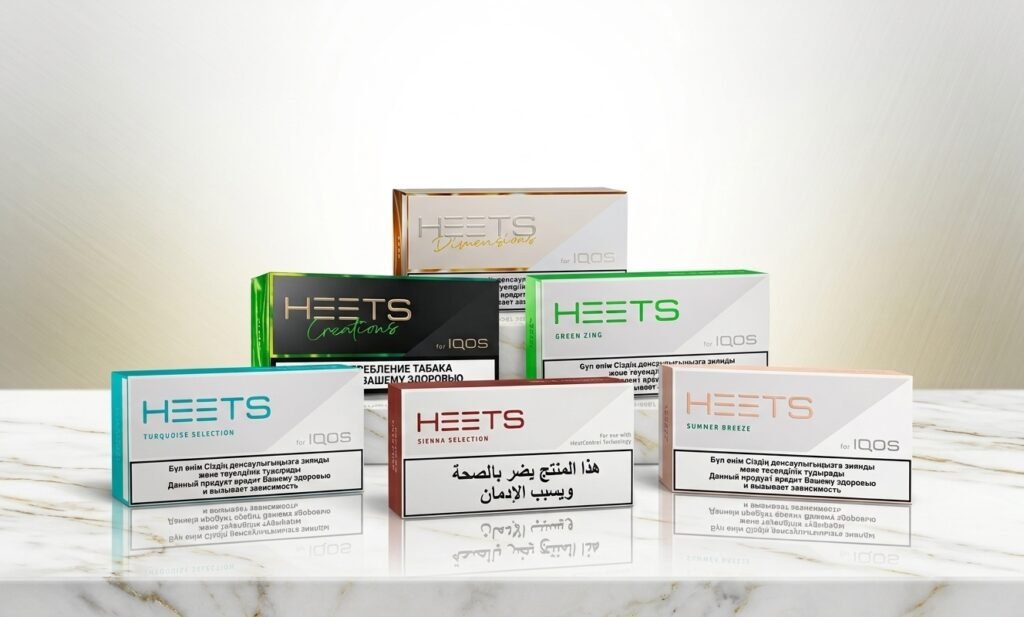
Once you have your device, choose sticks that match your taste:
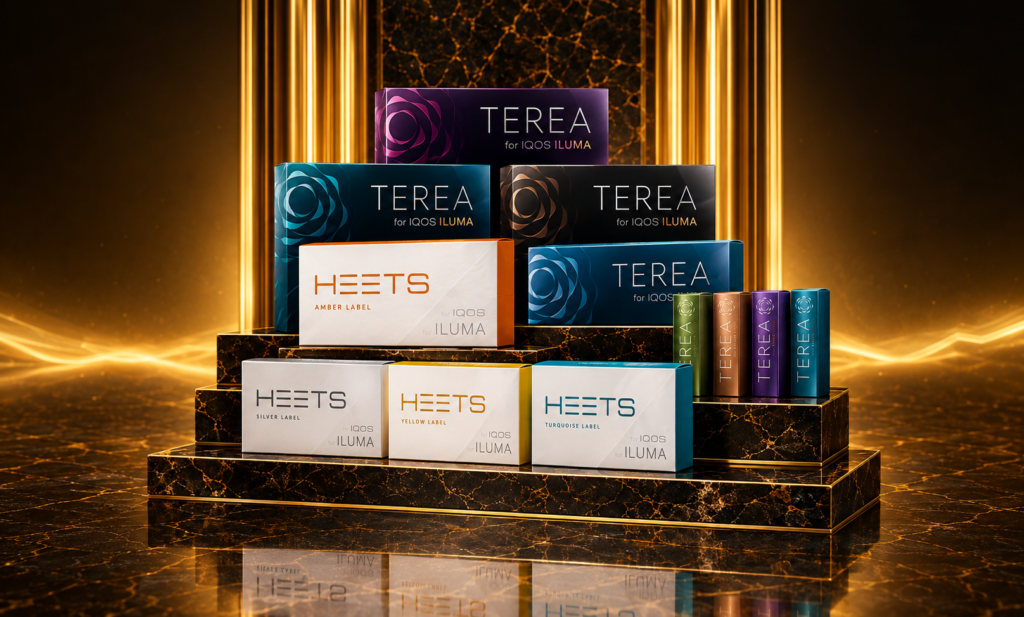
Remember that HEETS are not compatible with ILUMA, and TEREA is not for IQOS 3. Our guide on TEREA vs HEETS explains the difference, and the article on HEETS tobacco sticks in Dubai & UAE covers the full range.
FAQs
1. What is IQOS 3 DUO? IQOS 3 DUO is a heated tobacco system with a holder and a pocket charger. It allows two consecutive uses without recharging the holder and works with HEETS sticks.
2. How do I use IQOS 3 DUO? Slide the holder out of the charger, insert a HEETS stick, press and hold the button until it vibrates, wait for the ready signal, use it, then remove the stick. You can start a second session straight away before recharging.
3. How do I use IQOS 3 Multi? Open the cover, insert a HEETS stick, press and hold the button until it vibrates, wait for the ready signal and use it. A full charge allows up to 10 consecutive uses.
4. How do I charge IQOS 3 Multi? Connect a USB-C cable to the device and a power source, then wait until the lights show a full charge.
5. How do I charge IQOS 3 DUO? Charge the pocket charger with a USB-C cable and place the holder inside to refill it. Keep the holder in the charger between sessions.
6. What is the difference between IQOS 3 DUO and 3 Multi? DUO is a holder plus pocket charger with two consecutive uses per holder charge. Multi is an all-in-one device that allows up to 10 consecutive uses on a full charge. Both use a heating blade and HEETS.
7. What does “double-use” mean on IQOS 3 DUO? It means you can use the holder twice in a row without putting it back in the charger.
8. Which sticks work with IQOS 3 DUO and 3 Multi? Both use HEETS sticks. TEREA sticks are for ILUMA and are not compatible. Browse the HEETS Dubai collection for compatible options.
9. How often should I clean the blade? A common guideline is about every 20 uses, or sooner if you notice residue or a weaker taste. Use cleaning sticks and avoid water.
10. How long does IQOS 3 DUO take to charge? The holder recharges in a couple of minutes from a charged pocket charger, while the pocket charger takes longer from empty. Exact times depend on conditions, so check your manual.
11. Is IQOS 3 DUO better than ILUMA? It depends. DUO is a proven blade-based device that uses HEETS. ILUMA is bladeless, uses induction heating and TEREA sticks, and needs less cleaning.
12. Is IQOS risk-free? No. IQOS products contain nicotine, which is addictive. They are intended only for adult smokers or nicotine users. If you do not use nicotine, you should not start.
Final Thoughts
The IQOS 3 DUO and IQOS 3 Multi are both reliable blade-based devices for HEETS users. Choose DUO if you like the holder-and-case style and a large pocket charger capacity, or Multi if you prefer one compact device with up to ten uses per charge. Whichever you pick, charge it with a quality USB-C cable, keep it cool and clean the blade regularly.