A fully charged device is the difference between a smooth day and a frustrating one. If you are new to the ILUMA range, you might be asking how to charge IQOS ILUMA correctly, how long it takes and what the little lights actually mean. The process is easy, but a few small habits make a big difference to battery life, especially in the UAE heat.
This guide explains how to charge IQOS ILUMA and ILUMA Prime step by step, how the holder and pocket charger work together, what the LED lights mean, how to fix charging problems and how to keep your battery healthy for longer. If you have not set up your device yet, start with our first-time guide on how to use IQOS ILUMA Prime.
Important: IQOS products contain nicotine, which is addictive. They are intended only for adult smokers or nicotine users aged 21+ in the UAE. If you do not currently use nicotine, do not start.
What You Need to Charge Your IQOS ILUMA
You do not need much, but using the right items protects your battery and keeps charging safe.
Your IQOS ILUMA or ILUMA Prime kit: this means the holder and the pocket charger.
A USB-C cable: the original cable from the box is best. If you replace it, choose a good quality USB-C cable from a reputable brand.
A suitable power source: a wall adapter (a standard phone charger is generally fine) or a USB port on a laptop or power bank.
A cool, dry place: avoid heat, direct sun and humidity while charging.
If your cable is lost or damaged, do not use a frayed or cheap unbranded replacement. You can browse spare parts and extras in the IQOS accessories section.
How the holder and pocket charger work together
Models like ILUMA and ILUMA Prime are made of two parts. The holder is the part you use for each session. The pocket charger is a carrying case with its own battery that recharges the holder whenever you place it inside.
That means there are really two batteries to think about:
The battery inside the pocket charger, which you recharge with the USB-C cable.
The battery inside the holder, which refills from the pocket charger.
Understanding this makes everything else simpler. You charge the pocket charger from the wall. The holder charges from the pocket charger.
What about all-in-one models?
Not every device in the range has a separate case. The IQOS ILUMA i ONE is a compact all-in-one design that combines the holder and charger in a single device, so you charge it directly through USB-C. If you want the two-part setup with a premium finish, the IQOS ILUMA i PRIME offers FlexBattery, a touch screen and Pause Mode. You can compare them all in the IQOS ILUMA devices collection.
How to Charge IQOS ILUMA (Step by Step)
Here is the standard process for the ILUMA holder and pocket charger. Always check your quick start guide as well, since small details can vary by model.
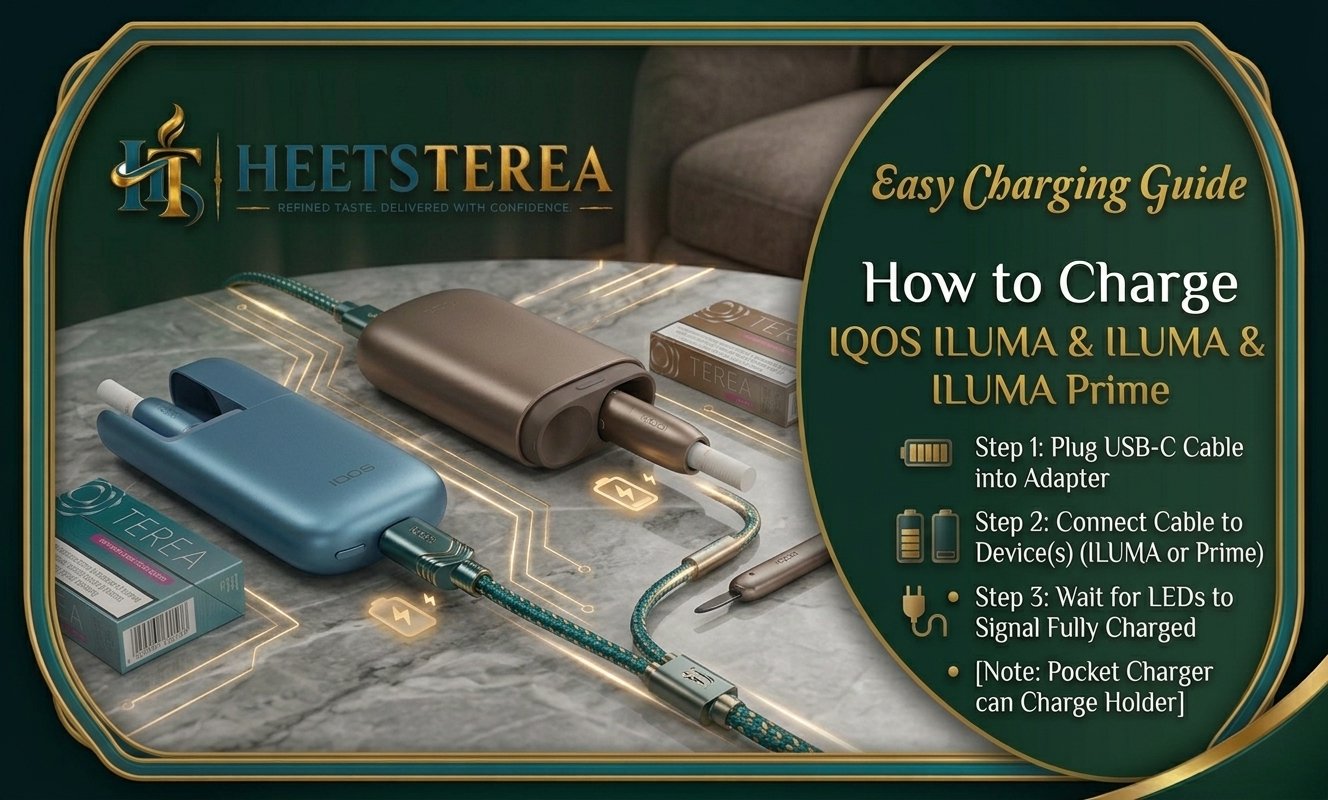
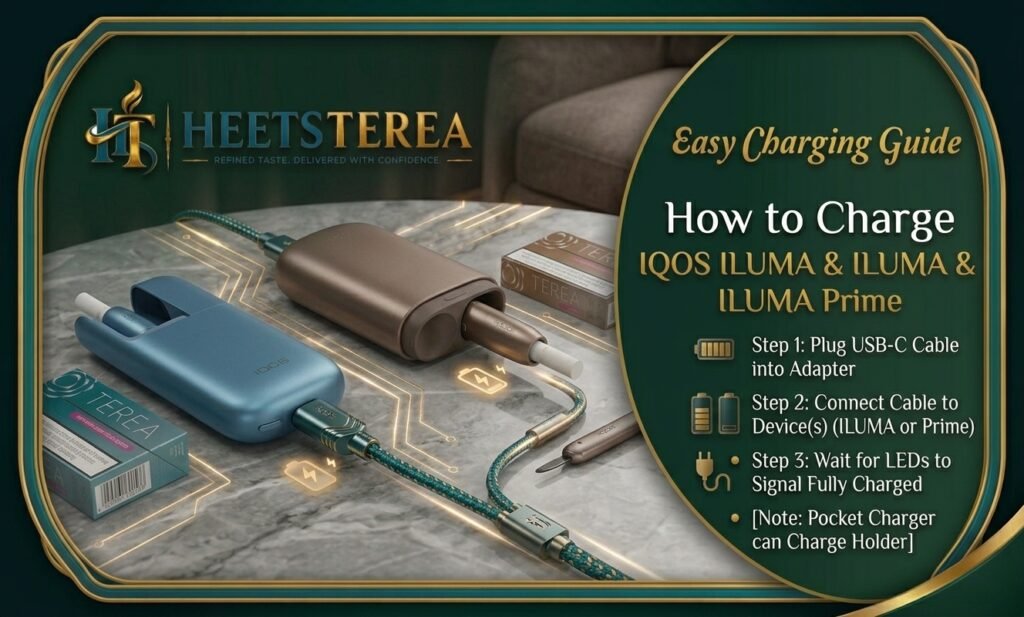
Connect the USB-C cable. Plug the small end into the USB-C port on the pocket charger and the other end into your wall adapter or USB power source.
Insert the holder. Place the ILUMA holder into the pocket charger and push it gently until it sits firmly. If it is not seated properly, it will not charge.
Check the lights. The LED indicators show that charging has started. A blinking or pulsing light usually means charging is in progress.
Wait for charging to finish. When the lights change to a steady or “full” state, charging is complete.
Disconnect safely. Remove the cable and, if you are heading out, keep the holder inside the pocket charger so it stays topped up.
Tips for your first charge
Charge the device fully before your first session, even if it already has some power.
Do not interrupt the first charge repeatedly. Let it finish so the battery indicator starts out accurate.
Keep the charging port clean and dry. A little dust or lint in the USB-C port is a common reason for slow or failed charging.
Once you are fully charged, you can move on to your first session. If you need the full routine, here is our step-by-step guide to using IQOS ILUMA Prime.
How to Charge IQOS ILUMA Prime
The IQOS ILUMA Prime follows the same basic idea, but the premium design and larger pocket charger make it more convenient for people who are out all day.
Plug in the pocket charger. Connect the USB-C cable to the pocket charger and a power source.
Place the ILUMA Prime holder inside. Make sure it clicks or sits firmly in place so the contacts connect.
Watch the indicators. The lights on the charger show the charging status of the pocket charger and the holder.
Let both batteries fill. Wait until both the charger and the holder show a full state.
Carry and recharge. After use, put the holder back into the pocket charger. The charger tops up the holder, and you only plug the charger in when its own battery runs low.
ILUMA vs ILUMA Prime battery: what is the difference?
Both devices use the same two-part principle, but they are not identical in feel and design. The Prime model is the premium option, with a more refined finish and extra convenience features. Battery performance can differ slightly between models, and exact numbers for charging time and sessions per charge are set by the manufacturer. So for precise figures, always compare the specifications in your product manual or on the product page.
If you are choosing between models, remember that battery size is only one factor. Think about how you actually use the device:
Light daily use or mostly at home: an all-in-one like the ILUMA i ONE is enough and easy to carry.
Heavy use or long days out: a two-part kit with a pocket charger lets you top up the holder repeatedly without finding a wall socket.
The IQOS ILUMA i collection and ILUMA range pages list the details for each device, so you can choose the one that fits your routine.
How Long Does It Take to Charge?
Charging time depends on the model, the power source and how empty the battery is. As a general guide:
The holder usually recharges quickly when placed in a charged pocket charger, often in a few minutes.
The pocket charger takes longer to fill from empty using the USB-C cable, commonly around an hour or more depending on the power source.
A wall adapter is usually faster and more stable than a computer USB port.
A very cold or very hot environment can slow charging down or pause it completely to protect the battery.
Because these figures vary between models and firmware, treat the above as a rough guide and check your official manual for the exact charging time of your device.
How many sessions per charge?
People often ask how many sessions they get from one full charge. The answer depends on the model and how you use it. A fully charged pocket charger can refill the holder several times, which is why this style of device is popular with people who are out for most of the day.
For comparison, the IQOS Lil Solid 2.0, a compact all-in-one device, is listed with up to 25 uses on a full charge and up to three consecutive sessions. ILUMA figures differ, so always check the specification of the exact model you own.
A simple routine that works well:
Put the holder in the pocket charger after every session.
Plug the pocket charger in overnight, or whenever the battery is low.
Avoid letting the charger drop to zero too often.
What Do the Charging Light Colors Mean?
The LED lights are your quick guide to what the device is doing. Patterns can vary a little by model and firmware, so confirm the exact meanings in your quick start guide. In general, you will see these behaviors:
Light behavior
What it usually means
Blinking or pulsing light while plugged in
Charging is in progress
Steady light on the charger
Battery is full or ready
Short blinks when you open the case
Battery level indicator (how much power is left)
Light off while plugged in
Not charging, check cable, port and power source
Rapid blinking or unusual colour
Possible fault, temperature issue or poor connection
Light on holder only
Holder is ready or in use
Battery indicator tip: The pocket charger lights act as a quick fuel gauge. If only one light is on, charge it soon. If several are on, you have plenty of power for the day.
If you see a pattern you do not recognize, unplug the device, wait a minute and reconnect it. If the light behaves the same way, note it down and compare it with the troubleshooting section of your official guide.
IQOS ILUMA Not Charging? Troubleshooting Tips
Charging problems are usually simple to fix. Work through these checks in order.
1. Check the cable and power source. Try a different USB-C cable and a different wall adapter or outlet. A faulty cable is the most common cause. Avoid very cheap or damaged cables.
2. Make sure the holder is seated properly. If the holder is not fully inserted, the contacts will not touch. Remove it, check for dust or debris and push it in firmly.
3. Clean the charging contacts and port. Dust, lint or tobacco crumbs can block the contacts. Use a dry, soft cloth or a soft brush. Never use water, metal pins or sharp objects.
4. Let the device cool or warm to normal temperature. If the device is too hot (after sitting in a car) or too cold, the battery may refuse to charge. Move it to a cool, shaded place and try again after a while. This is especially common during UAE summers.
5. Try a different power source. A weak USB port on an older computer may not supply enough power. Use a proper wall adapter instead.
6. Restart the device. Disconnect everything, wait a minute or two and reconnect. This simple reset often clears small glitches.
7. Check for physical damage. If the device has been dropped or exposed to liquid, do not keep trying to charge it. Stop using it and ask for help.
8. Contact support. If none of the steps work, do not try to open or repair the device yourself. Contact HeetsTerea or official support for advice on repair or replacement.
Common problems at a glance
Holder will not charge, but the charger works: clean the holder contacts and reseat the holder.
Charger will not charge at all: try another cable and adapter before suspecting the device.
Battery drains too fast: the battery may be aging, or heat may be affecting it. See the care tips below.
Lights flash repeatedly: check the manual for the specific fault pattern and let the device rest.
Battery Care Tips to Make It Last Longer
Looking after the battery keeps your device performing well for months and years. These habits matter most:
Avoid extreme heat. Never leave your device in a hot car, in direct sun or near a heater. UAE temperatures can climb well above what lithium batteries like.
Avoid extreme cold, too, though this is less of a problem in the UAE.
Do not let it fully drain all the time. Recharge before the battery reaches zero when possible.
Do not overcharge for days. It is fine to leave it charging overnight, but there is no need to keep it plugged in constantly.
Use quality chargers. Original or well-made USB-C cables and adapters protect the battery.
Keep the device clean and dry. Wipe the outside regularly with a soft, dry cloth. Because ILUMA has no blade, there is no blade to scrape, and heating-free cleaning keeps maintenance simple.
Store it properly. If you are not using the device for a while, charge it to about half and keep it somewhere cool and dry.
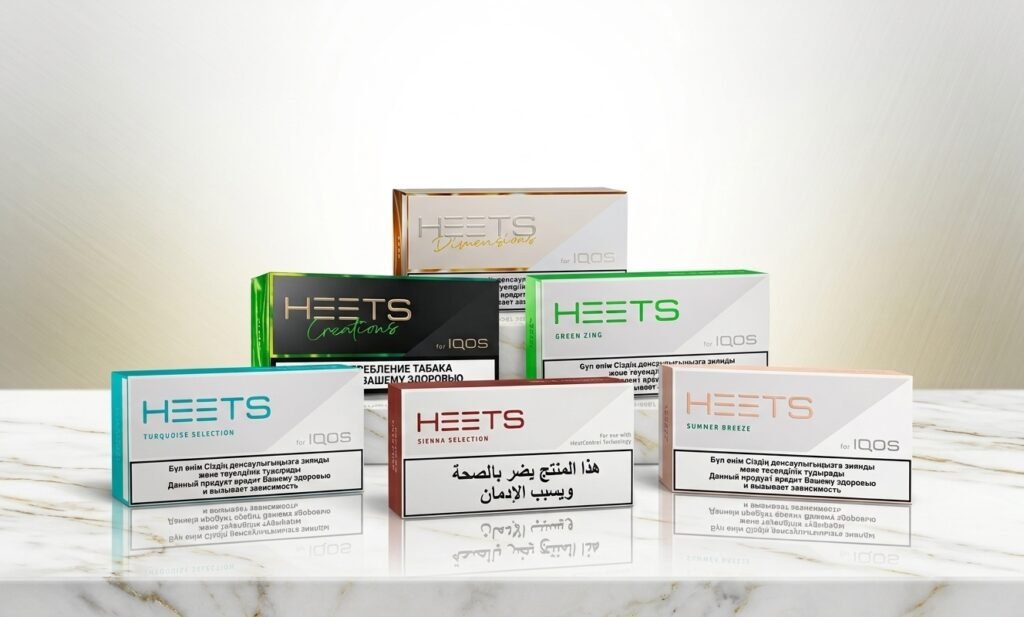
If you also own an older blade-based device like the IQOS 3 DUO, do not mix up the sticks. Older models use HEETS, which you can find in the HEETS Dubai collection. Our guide to TEREA vs HEETS explains the difference.
Where to buy a replacement device or accessories in the UAE
If your device is old or damaged, it may be time to replace it. Choose a reliable seller that provides genuine products, original packaging and clear support. At the HeetsTerea online shop you can find ILUMA devices, TEREA sticks and accessories with delivery across Dubai, Abu Dhabi, Sharjah and the wider UAE. For more guides, visit the HeetsTerea blog.
FAQs
1. How do I charge IQOS ILUMA for the first time? Connect the USB-C cable to the pocket charger and a power source, place the holder inside the charger and wait until the lights show a full charge. Charge it fully before your first session.
2. How do I charge IQOS ILUMA Prime? Plug the pocket charger into a wall adapter with a USB-C cable and place the holder inside. The charger refills the holder, and you only need to recharge the charger itself when its battery is low.
3. How long does it take to charge IQOS ILUMA? The holder usually recharges in a few minutes from a charged pocket charger, while the pocket charger takes longer from empty. Exact times vary by model, so check your manual.
4. How many sessions can I get per charge? A fully charged pocket charger can refill the holder several times. The exact number depends on the model and your usage, so check the specifications for your device.
5. What is the difference between ILUMA and ILUMA Prime battery? Both use the two-part holder and pocket charger design, but the Prime is the premium model. Exact battery figures are set by the manufacturer, so compare the specs on the product page or in the manual.
6. What do the LED lights mean when charging? A blinking or pulsing light usually means charging is in progress, and a steady light generally means it is full. Patterns can vary, so confirm with your quick start guide.
7. Why is my IQOS ILUMA not charging? Common causes are a faulty cable, a weak power source, dust in the port, a holder that is not seated properly or extreme temperature. Try another cable and adapter, clean the contacts and let the device reach a normal temperature.
8. Can I use any USB-C cable and phone charger? In most cases a good quality USB-C cable and a standard wall adapter work well. Avoid damaged or very cheap cables, and when in doubt, use the original cable.
9. Is it safe to charge overnight? Charging overnight is generally fine for modern devices, but avoid heat and keep it on a hard, cool surface away from bedding.
10. Can I charge the device in a hot car in Dubai? No. Heat can damage the battery and may prevent charging. Keep the device in a cool, shaded place.
11. Which sticks should I use with ILUMA? Use TEREA sticks. HEETS sticks are for older IQOS models. You can browse options in the TEREA collection.
12. Is IQOS risk-free? No. IQOS products contain nicotine, which is addictive. They are intended only for adult smokers or nicotine users. If you do not use nicotine, you should not start.
Final Thoughts
Learning how to charge IQOS ILUMA and ILUMA Prime is simple: connect the USB-C cable to the pocket charger, seat the holder properly, wait for the lights to show a full charge and keep everything cool and clean. Pay attention to heat, use a good cable and recharge before the battery reaches zero, and your device will perform well for a long time.
Need a new device, spare accessories or fresh TEREA sticks? Visit the HeetsTerea shop for delivery across the UAE.