If you have just unboxed a new device, you are probably wondering how to use IQOS ILUMA Prime properly and get the best experience from day one. The good news is that it is simpler than most people expect. There is no blade to snap, no complicated button sequence and no daily cleaning routine.
This first-time user guide covers everything: what is in the box, how to charge the holder, how to insert a TEREA stick, what the indicator lights mean, how to look after the device and how to fix common issues. Whether you live in Dubai, Abu Dhabi, Sharjah or anywhere else in the UAE, this ILUMA Prime setup walkthrough will have you ready in minutes.
Important: IQOS products contain nicotine, which is addictive. They are intended only for adult smokers or nicotine users aged 21+ in the UAE. If you do not currently use nicotine, do not start.
What Is IQOS ILUMA Prime?
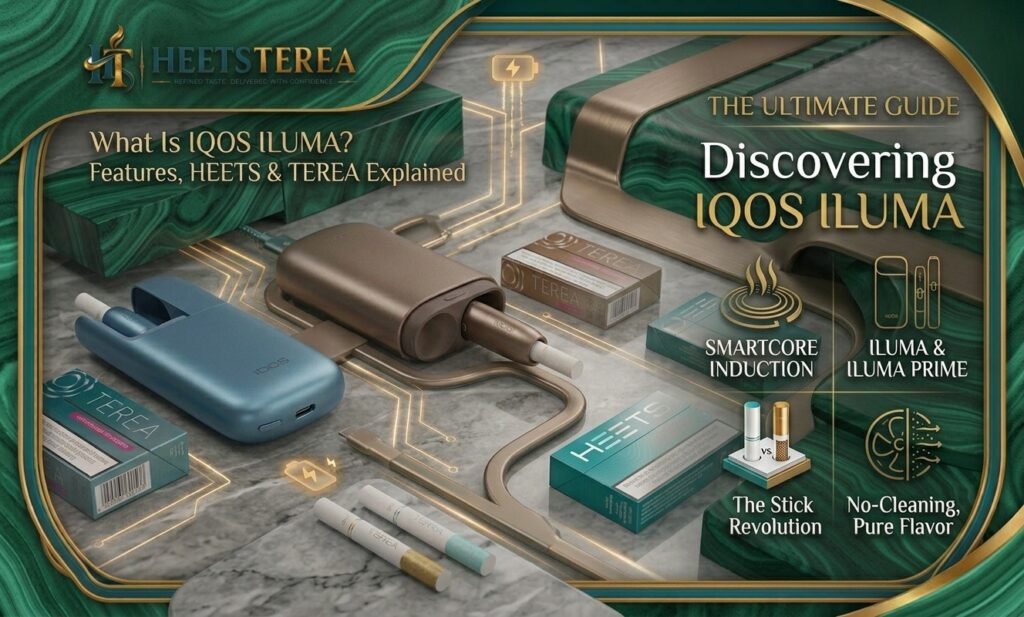
IQOS ILUMA Prime is the premium model in the ILUMA range, designed to heat tobacco rather than burn it. It is built around the SmartCore induction system, a different approach from earlier IQOS models.
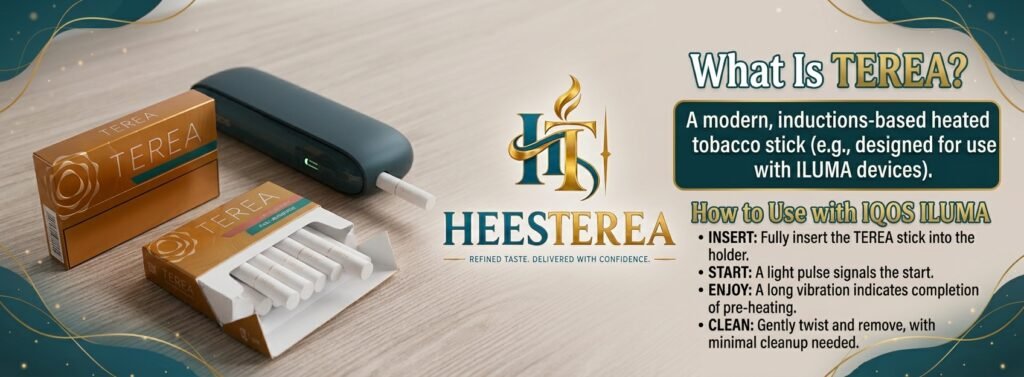
Older devices used a heating blade inserted into the tobacco. ILUMA replaces it with an induction heating system. Each TEREA stick contains a small metal element inside the tobacco plug, and the holder heats that element using electromagnetic induction. Because there is no blade, there is nothing to break inside the stick.
The ILUMA Prime package includes two parts:
The IQOS ILUMA Prime holder: the part you hold and use.
The pocket charger: a compact case that recharges the holder on the go.
Compared to the standard ILUMA, the Prime version has a more premium finish and a pocket charger that works as a portable power case. That makes it a popular choice for people who are out and about in the UAE all day. If you are still comparing models, you can browse the full range of IQOS ILUMA devices or look at the premium IQOS ILUMA i PRIME, which adds a touch screen, Pause Mode, FlexPuff and FlexBattery.
Prefer something more compact? The IQOS ILUMA i ONE combines the holder and charger into one all-in-one device, so there is nothing separate to carry. If you are unsure which one fits your routine, you can also compare options in the IQOS ILUMA i collection.
What’s in the Box?
Before you start, check that everything is included. A standard IQOS ILUMA Prime kit usually contains:
1 × IQOS ILUMA Prime holder
1 × Pocket charger
1 × USB-C charging cable
1 × Quick start guide and warranty information
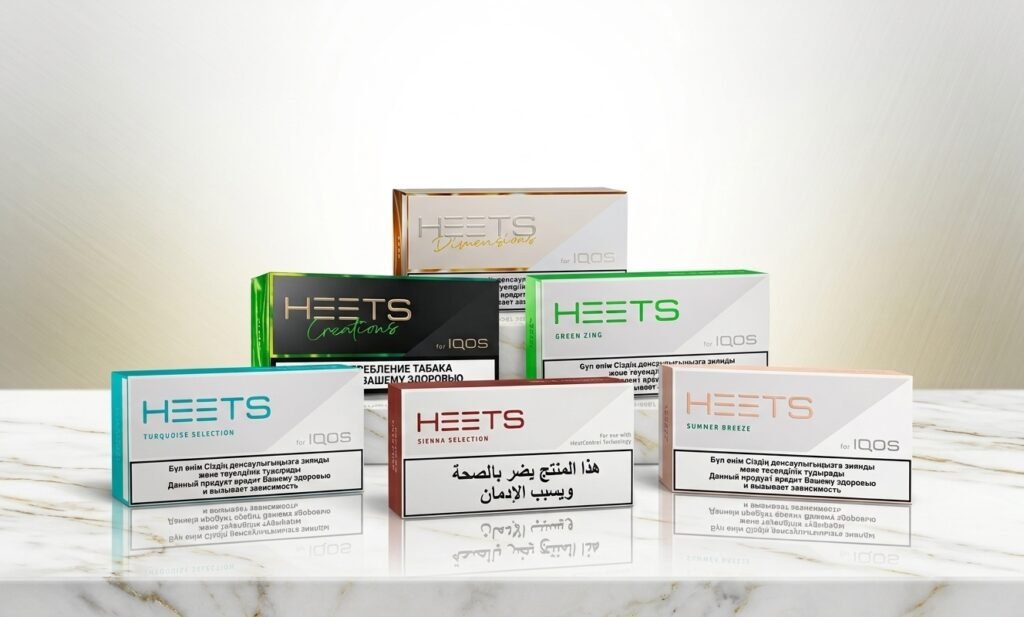
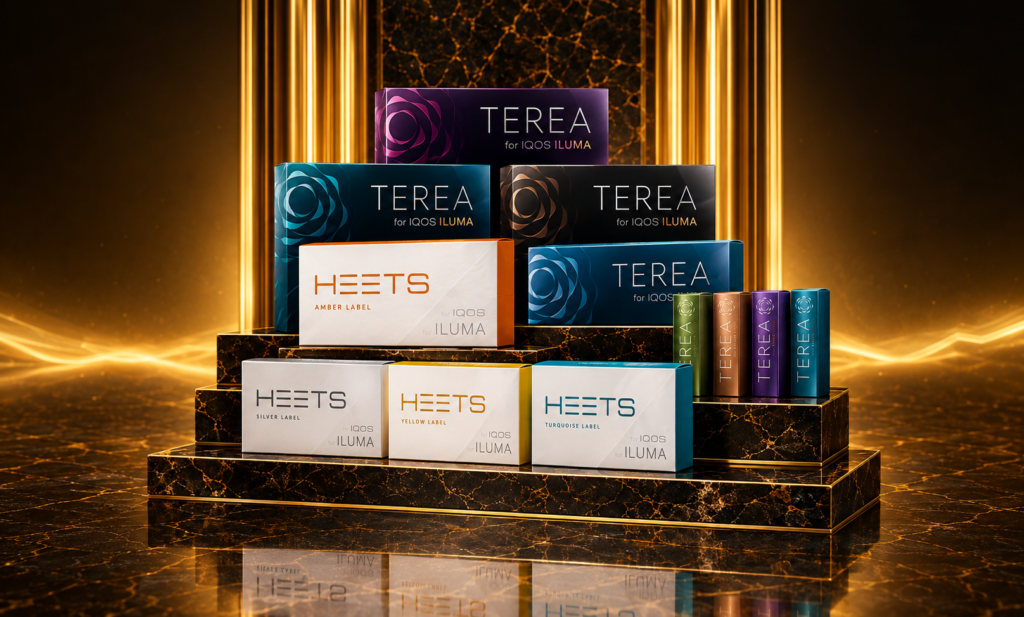
TEREA sticks are not included in the kit. You will need to buy them separately. Make sure you buy sticks designed for the ILUMA system. Older HEETS sticks are not compatible with ILUMA devices, and ILUMA is designed to work only with TEREA. You can find compatible TEREA sticks in the UAE from a trusted retailer.
Check that the holder and charger are undamaged and the packaging seal was intact. Buying from an authorized seller helps avoid fake or tampered products. If you ever need to confirm the details of an order, you can contact the HeetsTerea team directly.
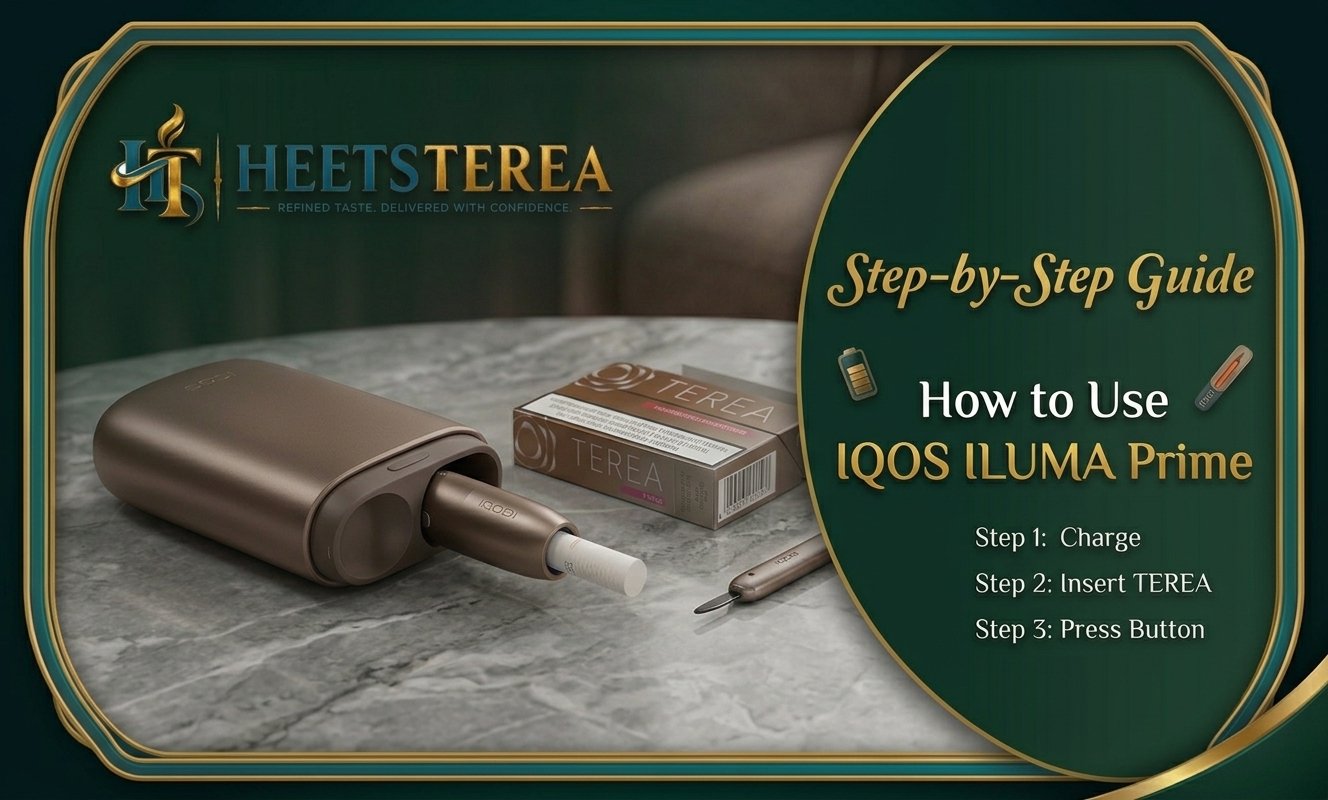
How to Use IQOS ILUMA Prime (Step by Step)
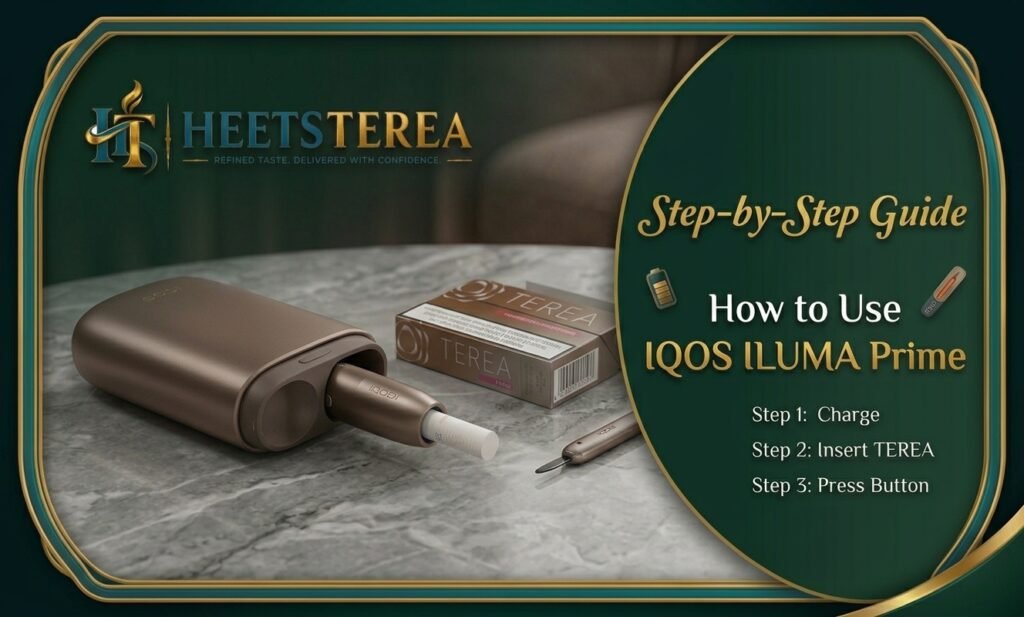
Here is the full process, from a dead battery to your first session. Follow the steps in order, especially if you are a first-time user.
Step 1: Charge the Device
A fresh device may arrive with only a partial charge, so start by charging.
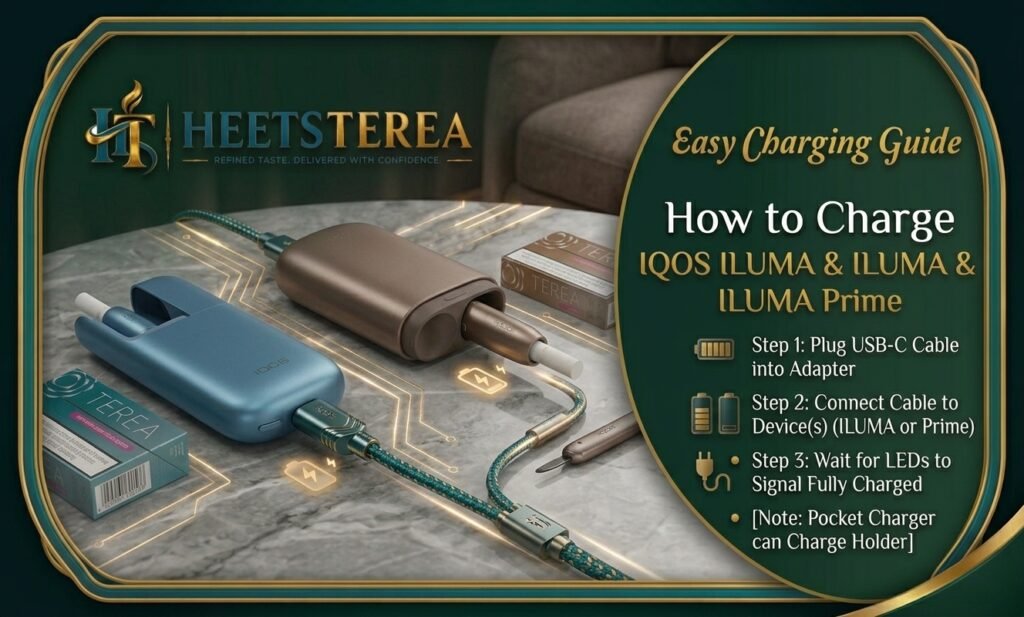
Connect the USB-C cable to the pocket charger and to a wall adapter or a USB power source.
Place the ILUMA Prime holder into the pocket charger. It should sit firmly in place.
Watch the indicator lights. They show the charging progress of both the holder and the pocket charger.
Wait until charging is complete before your first use.
Some practical tips for charging:
Use the original cable, or a good quality USB-C cable, and a stable power source.
Do not leave the device in a hot car. UAE summer temperatures can exceed what batteries are designed to handle. Keep the charger in a cool, shaded place.
Once the holder is charged, you can carry the pocket charger in your bag or pocket and recharge the holder between sessions.
The pocket charger is one of the best features of the Prime model. It lets you top up the holder whenever you want, so you are rarely left without power. If you need a spare cable, case or other extras, check the IQOS accessories section.
Step 2: Insert a TEREA Stick
This is where many beginners have questions, but TEREA stick insertion is straightforward.
Remove the holder from the pocket charger.
Take a TEREA stick from the pack. Hold it by the filter end.
Insert the tobacco end of the stick into the opening on top of the holder. Push it in gently but firmly until it stops.
Do not twist roughly or force it. The stick should slide in smoothly.
Because ILUMA uses induction rather than a blade, there is no need to worry about damaging a heating element. Still, always use genuine TEREA sticks. Non-compatible sticks may not heat properly and are not recommended.
Not sure which flavor to start with? Here are a few popular directions:
Classic and toasted:TEREA Amber has a rounded roasted profile, and TEREA Teak is creamy and nutty.
Rich and warm:TEREA Bronze brings cocoa and dry fruit notes.
Mild and zesty:TEREA Yellow is lighter and more aromatic.
Once the stick is in place, you are ready to begin heating.
Press and hold the button on the holder until you feel a short vibration.
The indicator light will show that heating has begun.
Wait for the device to complete its short heating phase. A second vibration usually tells you the stick is ready.
The heating phase takes only a short time, typically under half a minute. There is no waiting around like with some earlier devices. Do not remove the stick or press the button repeatedly during this phase. Let it finish naturally.
Step 4: Use and Finish the Session
When the vibration signals that the device is ready, you can start using it.
Draw gently from the filter end, as you would with a normal stick.
A typical session lasts several minutes, or a set number of puffs, whichever comes first. The device will warn you that the session is ending with a light and vibration signal.
When the session finishes, remove the used TEREA stick and dispose of it properly. Do not leave it in the holder.
Place the holder back in the pocket charger to recharge it.
Usage time and battery life: The pocket charger lets you charge the holder multiple times before the charger itself needs recharging. Exact numbers vary by device and conditions, so check the official manual for the specifications of your model. As a general rule, charge the pocket charger overnight so it is ready for the next day.
Understanding the Indicator Lights
The lights on the ILUMA Prime holder and pocket charger tell you what the device is doing. Learning them saves you from guessing.
Light behavior
What it usually means
Steady light on holder
Device is ready or in use
Blinking light during heating
Heating cycle in progress
Light fading near the end
Session is about to finish
Blinking light on charger
Battery is charging or low
Different color or rapid blinking
A fault or temperature issue
Light colors and patterns can differ slightly between firmware versions and models, so always cross-check with the quick start guide included in your box. If a light pattern appears that you do not recognize, note it and compare it with the official troubleshooting section.
How to Clean IQOS ILUMA Prime
One major advantage of the ILUMA series is heating-free cleaning. Since there is no heating blade, you do not need to scrape residue off a blade after every session the way you did with older models.
That said, a little basic care keeps your device looking and working well:
After each use: Remove the used TEREA stick promptly.
Weekly: Wipe the outside of the holder and pocket charger with a clean, dry or slightly damp soft cloth. Avoid soaking the device.
When needed: Gently clear any loose tobacco crumbs from the opening of the holder with a dry soft cloth. Do not insert sharp objects.
Never: Submerge the device in water or use harsh chemicals, alcohol-heavy cleaners or compressed air at high pressure.
If you are unsure, follow the instructions from the official guide. Keeping the device dry and free of dust is usually all that is required.
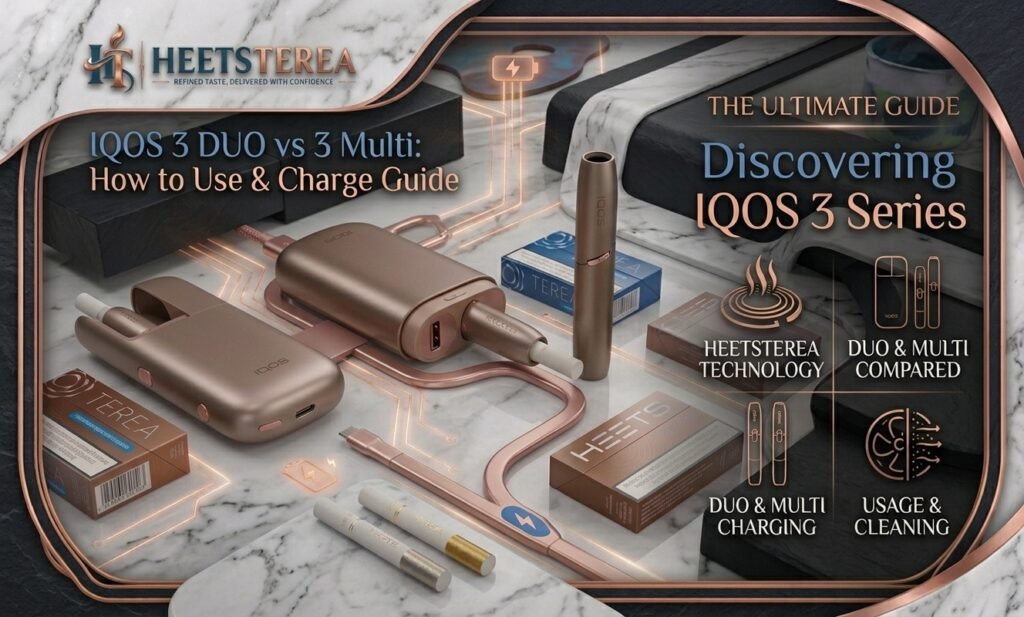
Note for owners of older devices: a cleaning kit with a blade and cleaning sticks, such as the IQOS Cleaning Kit, is meant for blade-based models like the IQOS 3 DUO and other IQOS devices, not for ILUMA. Those older models also use HEETS sticks, which you can find in the HEETS Dubai collection. If you are unsure what the difference is, read our guide on TEREA vs HEETS.
Common Problems and Quick Fixes
Even a premium device can occasionally act up. Here are the most frequent issues and what to try.
The holder will not turn on. Check the battery. Place the holder in the pocket charger and make sure the charger itself has power. Wait a few minutes and try again.
The stick does not heat up. Make sure the TEREA stick is fully inserted and is a genuine, compatible stick. Remove it, reinsert it firmly and restart the heating cycle.
The device vibrates but stops quickly. This often means a low battery. Recharge the holder before the next session.
The indicator light is blinking in an unusual pattern. Turn the device off, let it rest and cool, and then retry. If the problem remains, consult the manual or contact the seller or official support.
The device feels too warm. It is normal for the holder to warm up during use. If it becomes uncomfortably hot, stop using it, remove the stick and let it cool in a shaded place. UAE heat can contribute, so avoid direct sunlight.
The taste seems weak or different. Try a fresh stick from a new pack. Old or badly stored sticks may lose flavor. Store TEREA packs in a cool, dry place. If you are using an old HEETS pack by mistake, remember it will not work properly with ILUMA. You can read more in our overview of HEETS tobacco sticks in Dubai & UAE to understand which sticks suit which device.
If none of these fixes work, do not attempt to open or repair the device yourself. Get in touch with HeetsTerea or official support for guidance.
Where to Buy IQOS ILUMA Prime in Dubai & UAE
When buying in the UAE, authenticity matters. Always choose a reliable seller who provides genuine devices, original packaging and clear after-sales support.
What to look for when buying:
Genuine products only: Check seals, packaging and serial information.
Clear pricing: Be cautious of prices that seem too good to be true.
Fast delivery in Dubai and across the Emirates: Convenience matters, especially for repeat purchases of sticks.
Customer support: A good seller helps with setup questions and replacements.
Compatible accessories: Make sure TEREA sticks and accessories match your device.
You can explore devices, TEREA flavors and delivery options in the HeetsTerea online shop, which serves customers across Dubai, Abu Dhabi, Sharjah and the wider UAE. Whether you need a new holder, a pocket charger or just a restock of your favorite sticks, shopping from one place keeps things simple. You can also buy TEREA online in Dubai and add a device and accessories to the same order.
Looking for more guides like this one? Visit the HeetsTerea blog for articles on sticks, devices and flavors.
Remember that IQOS is for adults aged 21+ only, and all purchases should comply with UAE regulations.
FAQs
1. How do I use IQOS ILUMA Prime for the first time? Charge the holder in the pocket charger, insert a TEREA stick, press and hold the button until the device vibrates, wait for the ready signal, and then use it. Remove the stick when the session ends.
2. What sticks work with IQOS ILUMA Prime? ILUMA Prime uses TEREA sticks. Older HEETS sticks are not compatible with the ILUMA system. You can find compatible options in the TEREA tobacco sticks collection.
3. Does ILUMA Prime need cleaning? There is no blade to clean thanks to the SmartCore induction system. Just wipe the outside and clear any loose crumbs from the opening occasionally.
4. How long does the ILUMA Prime battery last? It depends on usage and model specifications. The pocket charger lets you recharge the holder several times before the charger itself needs power. Check the official manual for exact figures.
5. How long does it take to heat up? The heating phase is short, usually under 30 seconds. The holder vibrates to tell you it is ready.
6. Why is my IQOS ILUMA Prime not working? The most common causes are a low battery, an incorrectly inserted stick or a non-compatible stick. Charge the device, reinsert a genuine TEREA stick and try again. If the issue continues, contact your seller or official support.
7. What is the difference between TEREA and HEETS? TEREA sticks are made for ILUMA devices with induction heating, while HEETS are made for older blade-based IQOS models. Our guide to TEREA vs HEETS explains it in detail.
8. Is it safe to leave the device in a hot car in Dubai? No. High temperatures can damage the battery. Keep your device and pocket charger in a cool, shaded place.
9. Where can I buy IQOS ILUMA Prime in the UAE? Choose an authorized, reliable seller. You can browse IQOS ILUMA devices and TEREA sticks at HeetsTerea, with delivery across the UAE.
10. Is IQOS risk-free? No. IQOS products contain nicotine, which is addictive. They are intended only for adult smokers or nicotine users. If you do not use nicotine, you should not start.
Final Thoughts
Learning how to use IQOS ILUMA Prime takes only a few minutes: charge, insert, heat and enjoy. With the SmartCore induction system, heating-free cleaning and a convenient pocket charger, it is built for simple everyday use. Follow the steps in this guide, keep the device cool and clean, and always use genuine TEREA sticks.
Ready to get started? Visit the HeetsTerea shop to find your device and TEREA range in the UAE.